April 15, 2026
april cosmicut update dropped
CosmiCut 2.6.0 is out with lots of cool and new.
CosmiCut v2.6.0 is now available for iPhone, iPad, Mac, and Apple Vision Pro!
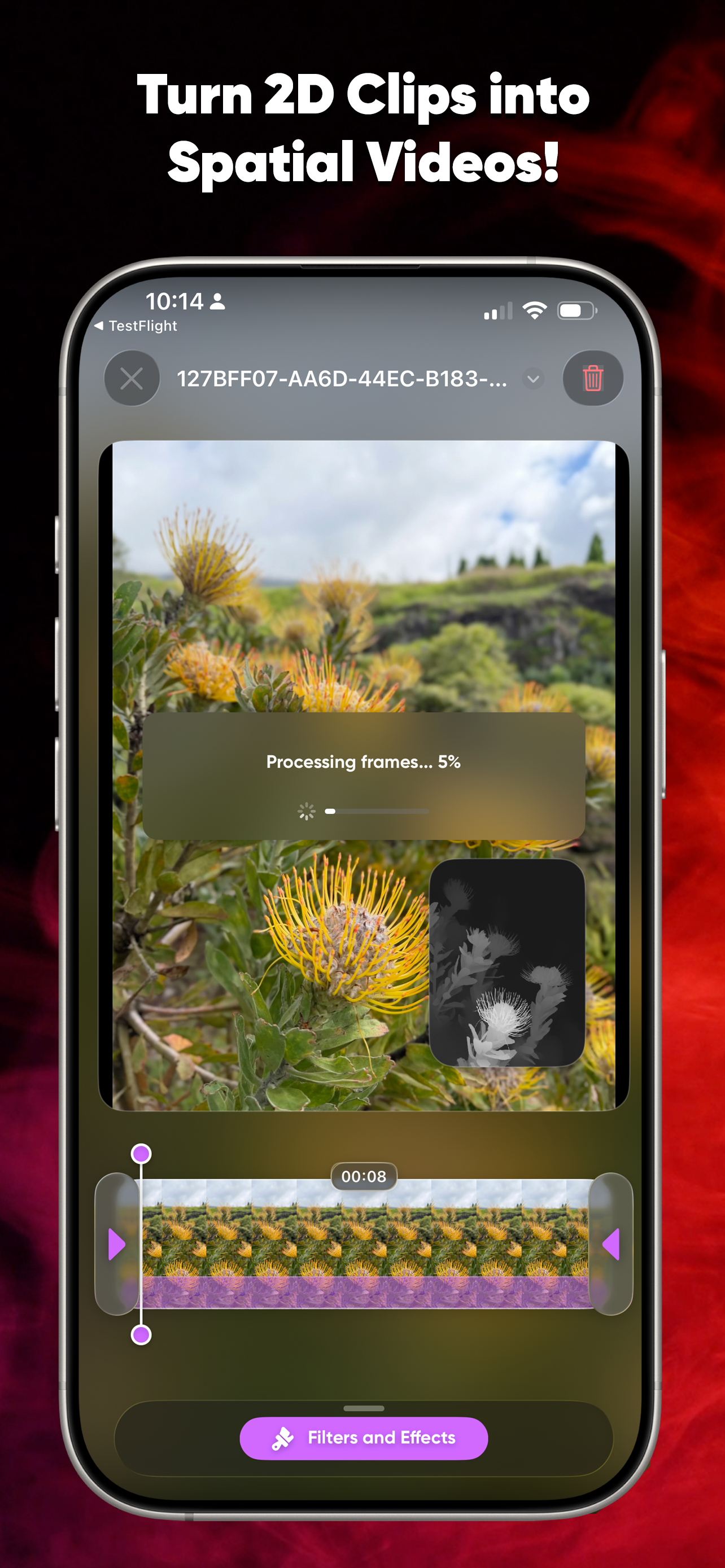
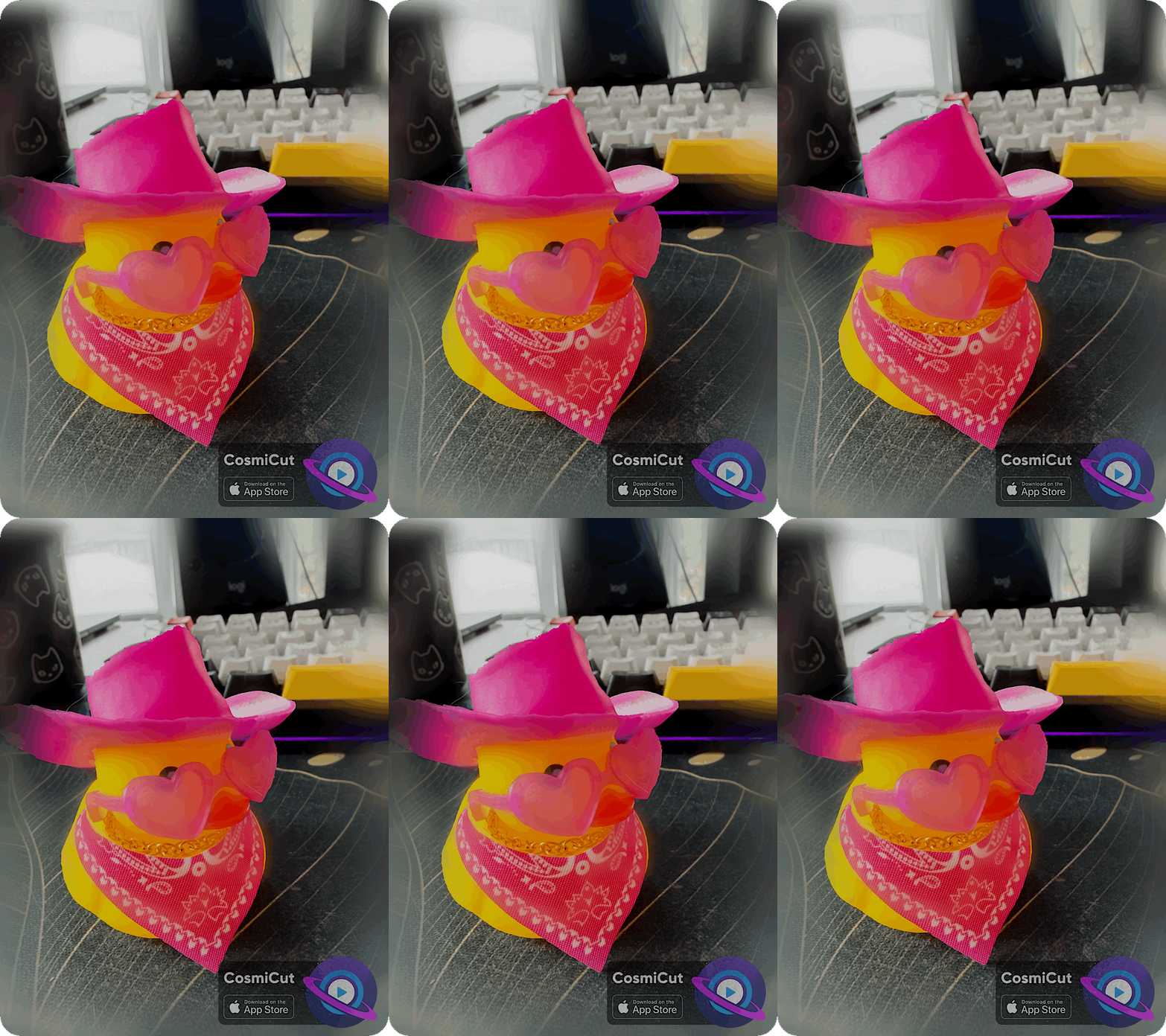
CosmiCut v2.6.0 is big update! There are a number of new features and additions that I plan to write whole posts about (I accidentally made an entire 3D rendering pipeline and I definitely want to share that journey lol).
But for now, here’s the highlights:
- CosmiCut now includes two built-in ML options for generating depth from mono images and videos. DepthAnythingV2, used in previous versions of CosmiCut, is still available and is now labeled “Less Accurate and Fast.” You can also choose a new “Very Accurate and Slow” pipeline built around a custom model derived from Apple’s Depth Pro. Both options deliver better results than the spatial conversion system used in earlier versions of CosmiCut, thanks to new temporal normalization and object mapping.
- You can now export the current frame of a clip from the Clip Editor as an animated spatial GIF.
- ‘CosmiCut Unlock’ is now available as a one-time purchase, letting you export watermark-free forever.
- The RealityKit Spatial Preview now uses Apple’s disparity APIs to generate more accurate depth maps from clips.
Plus, some QOL improvements:
- Video exports now take advantage of Apple’s new background APIs on version 26 operating systems. That means CosmiCut can keep exporting even if you return to the Home Screen, switch to another app, or let your display go to sleep.
- Fixed a bug in the previous version of CosmiCut that could prevent projects from copying correctly and cause some data to remain shared between copied projects.
- Imported images will still be turned into Ken Burns-style animations automatically. However, because CosmiCut now gives you more control over how depth is added, imported images are no longer converted to spatial automatically.
- Buttons should now be easier to tap and select across all platforms.
- The real-time visionOS Clip Editor Spatial Preview has also been improved with shallower depth for greater comfort, a floating play button, and a more constrained player size to avoid overlapping other interface elements.